Product tour
What Snapi actually looks like.
Not a mockup — the real hub, the real kanban board, and a real public page, styled to match a brand. This is what you get before you write a single line of automation.
Free plan, no credit card
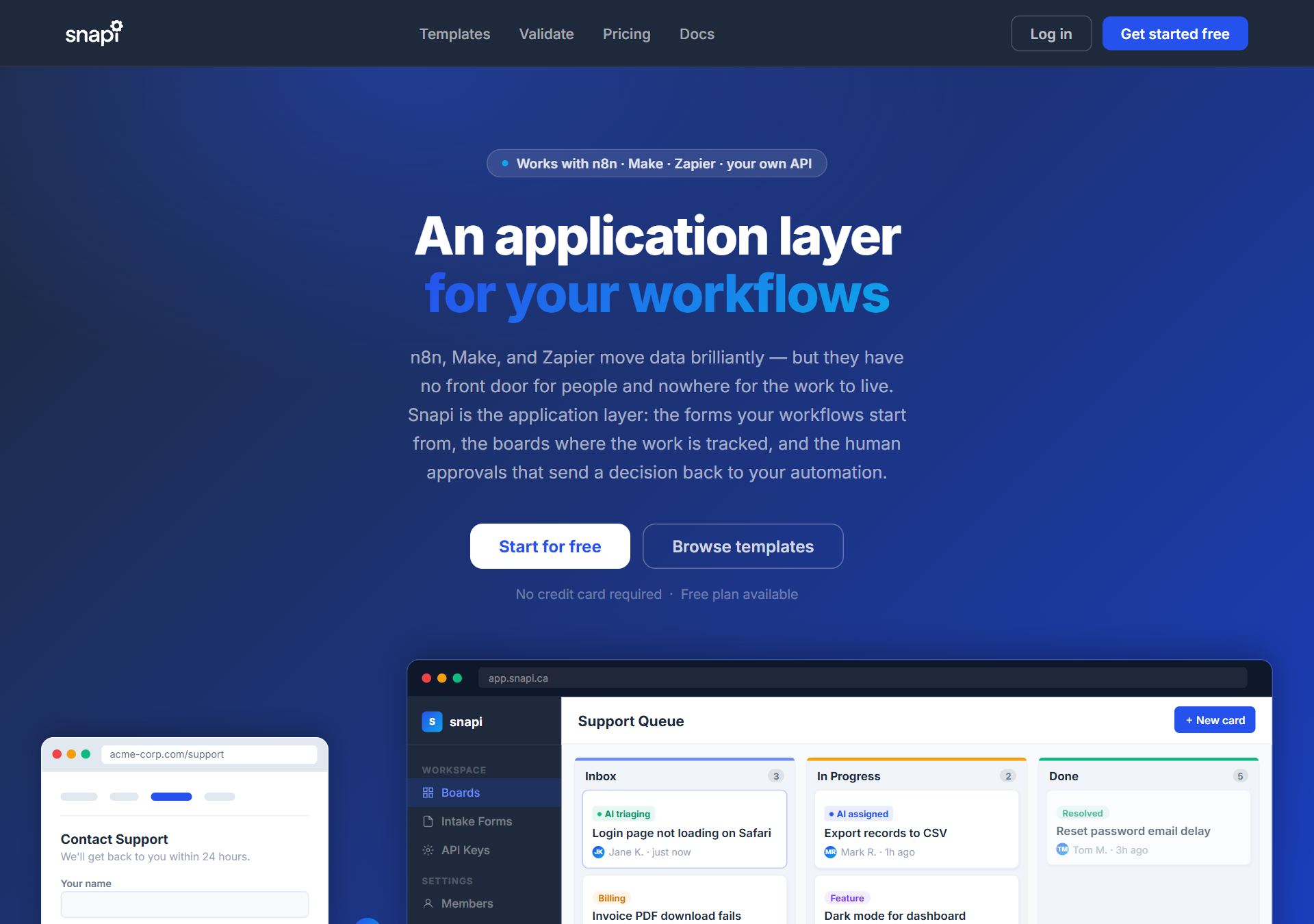
Not a mockup — the real hub, the real kanban board, and a real public page, styled to match a brand. This is what you get before you write a single line of automation.
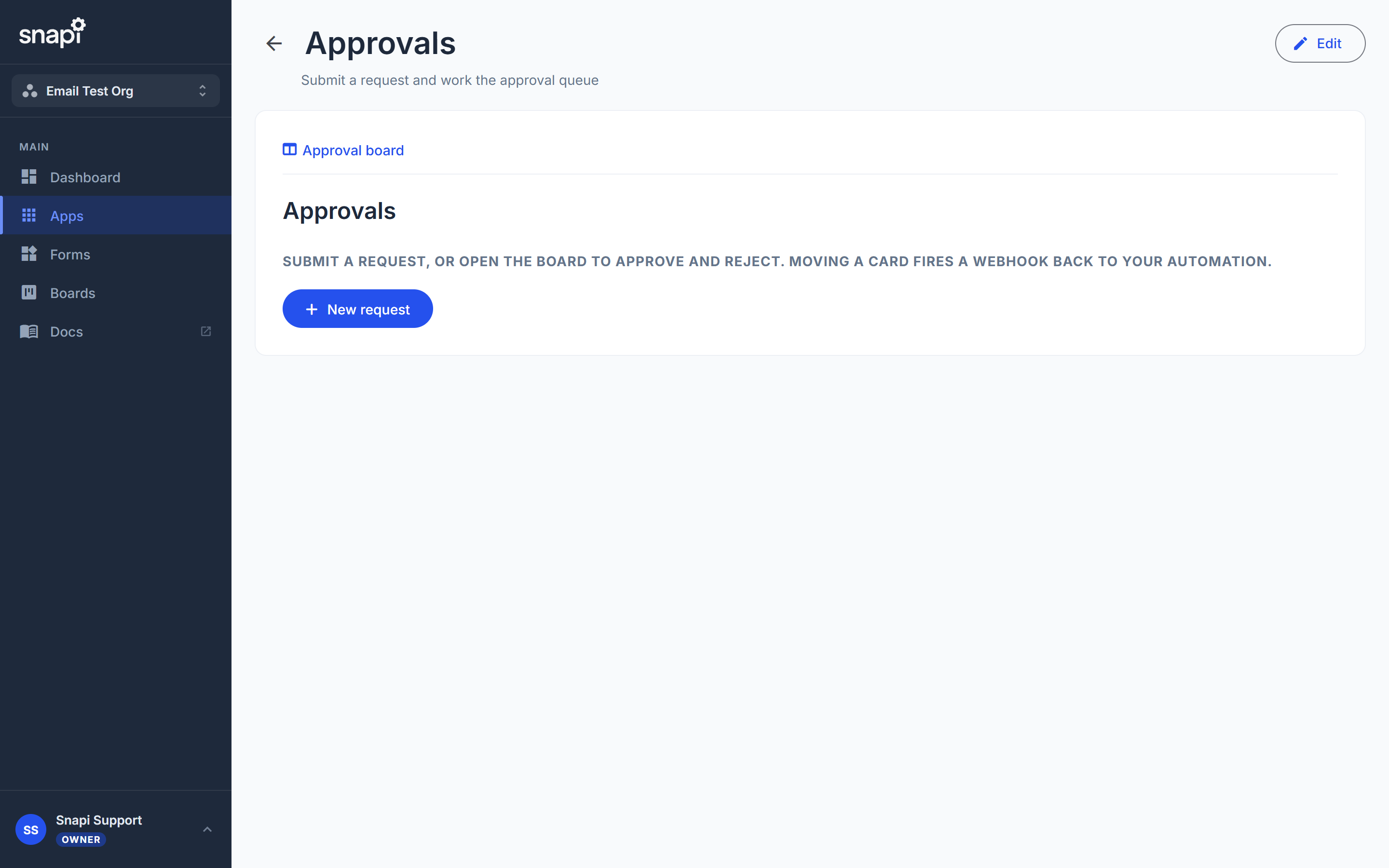
Every app starts with a hub: a title, an intro, and buttons or links to the pages and boards underneath it. Your team opens one bookmark instead of hunting for the right link.
Click "New request" to submit. Click "Approval board" to work the queue. Nothing to remember, nothing to explain twice.
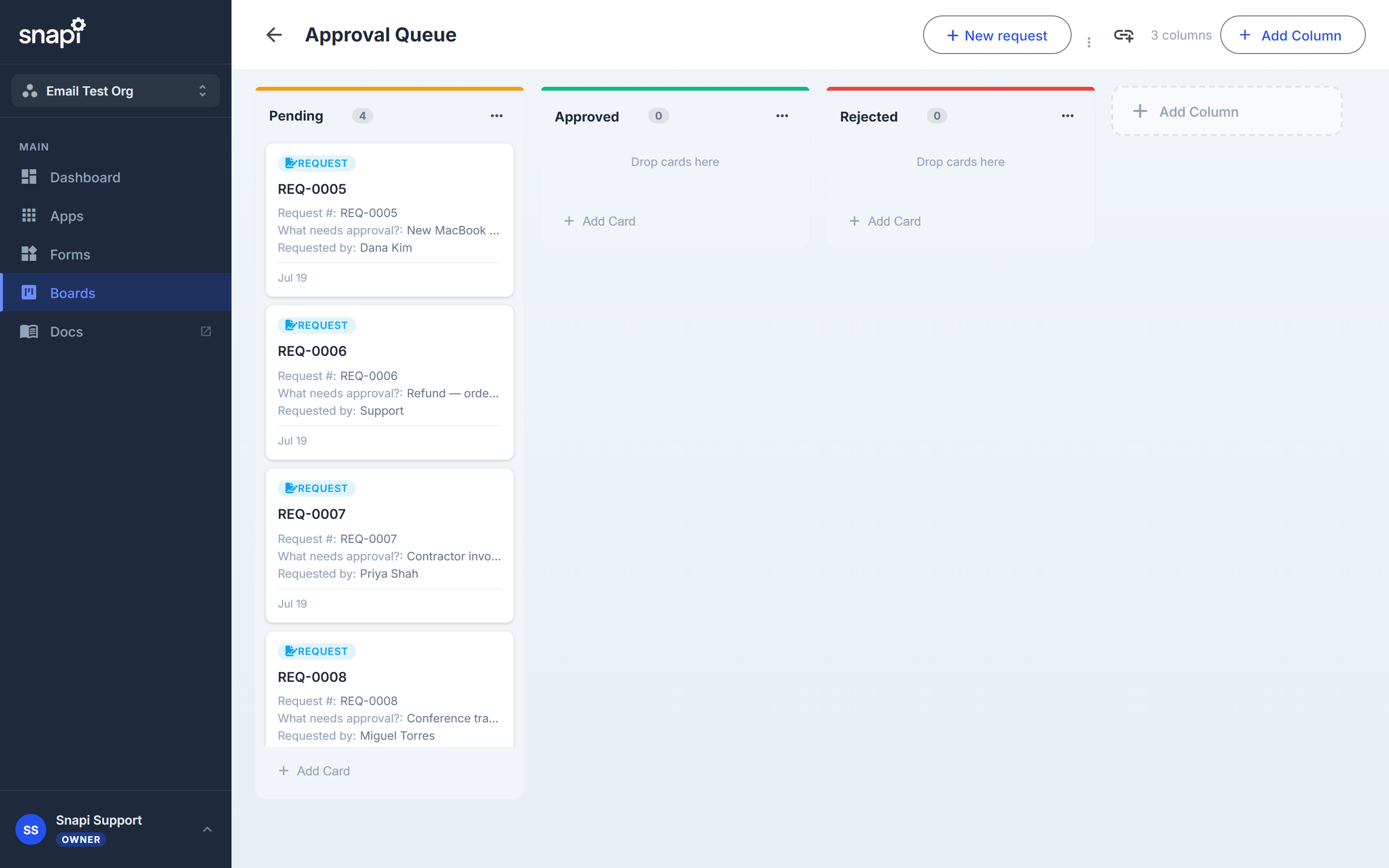
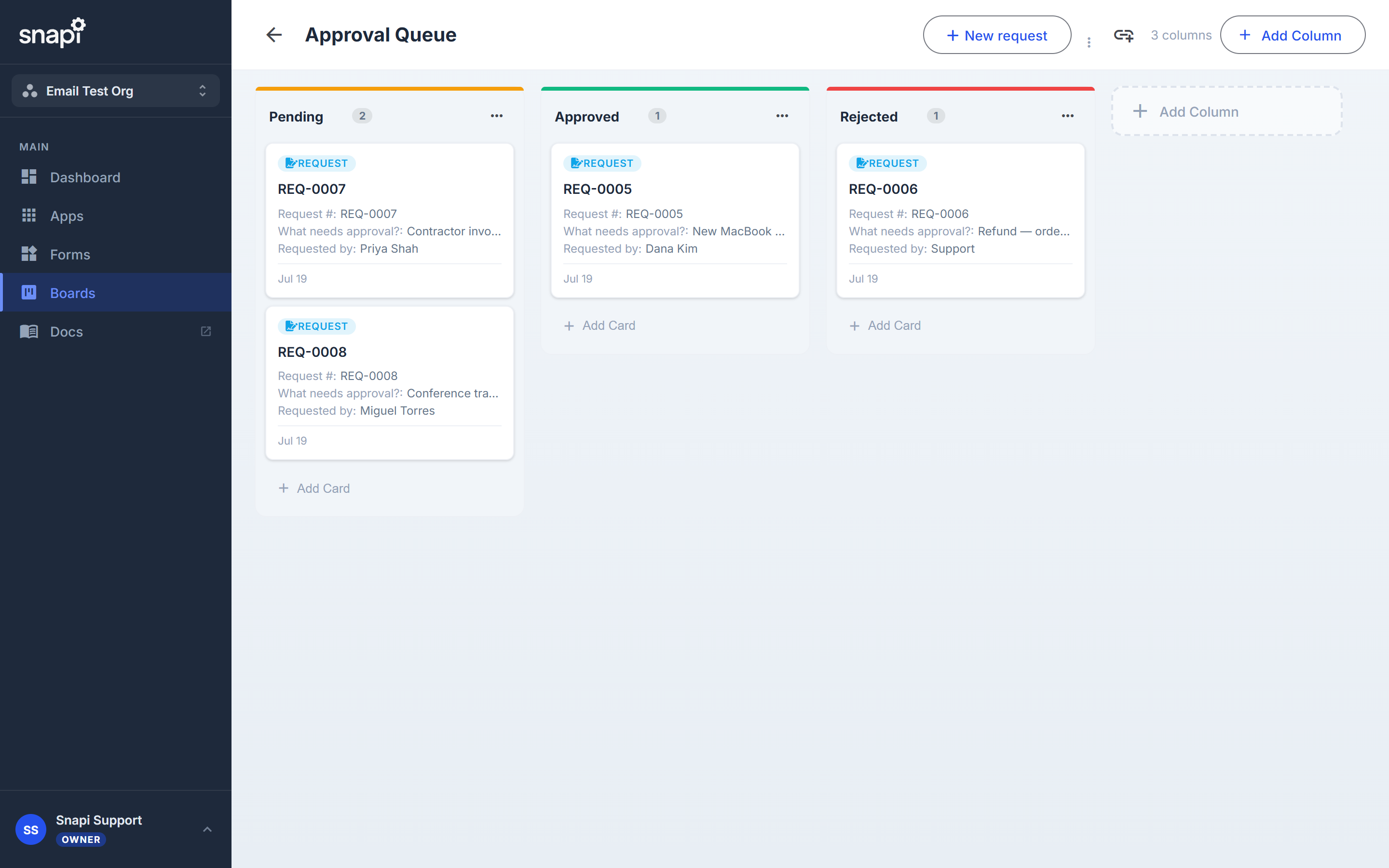
New requests land in the first column automatically. Moving a card to Approved or Rejected updates the record and fires the page's post-webhook, so your n8n, Make, or Zapier workflow picks up exactly where a human left off.
Embed it in your own site with one line of HTML, or share it as its own hosted page — no iframe required. Colors, fonts, and layout follow your theme, not Snapi's.
Submissions land straight on the board above, in the right column, ready to work.
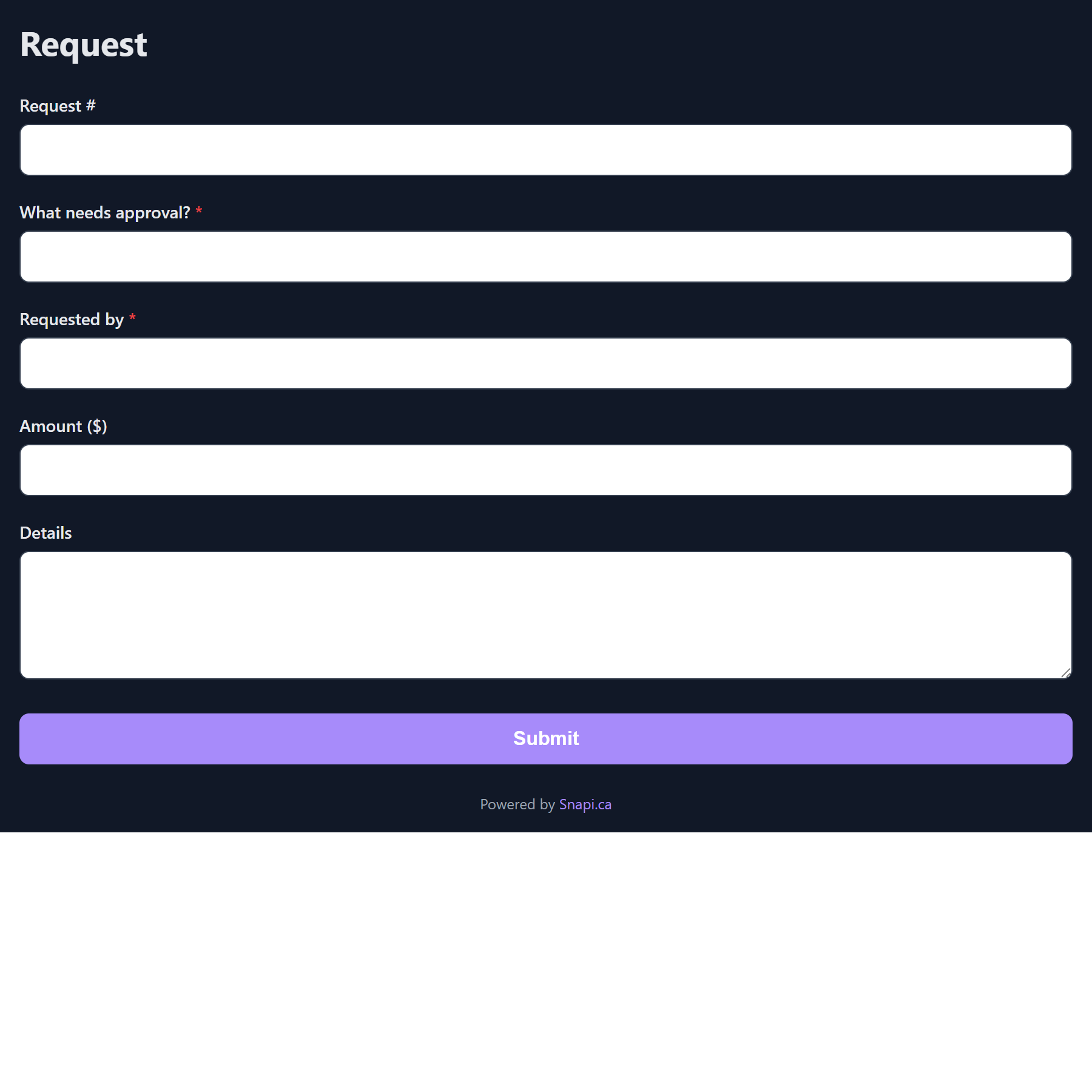
Every template installs the pages, the board, and the hub above — wired together, in one click.
Browse templates →